- Downloading QuickScale
- Installing QuickScale
- Installing the .NET Framework
- QuickScale Portable
- QuickScale Updates
- Opening a drawing
- Calibrating (Known scale)
- Calibrating (Unknown scale)
- Change paper size
- Taking Measurements
- The Pages and Dimensions Panes
- Printing
- Changing colours
- Calculate Pitched Roof Areas
- Add areas together
- Add room volumes together
- Calculate a room volume
- Categories
- Export dimensions to excel
- Annotations
- Counting items
- Shuffle information to suit your BoQ
- Switch between perimeter and area
- Find a measurement
- Move a measurement point
- Keyboard shortcuts
- Check for updates
- Red text in the Dimensions column
- Scrolling and panning
- Zoom with mouse wheel
- Perimeter incomplete
Installing QuickScale
Installing QuickScale
Having successfully downloaded the QuickScale installer you should double-click the installer file (qs2Install.exe) to be installation.
When you run the qsInstall.exe file, you may be prompted by Windows to allow the file to run:
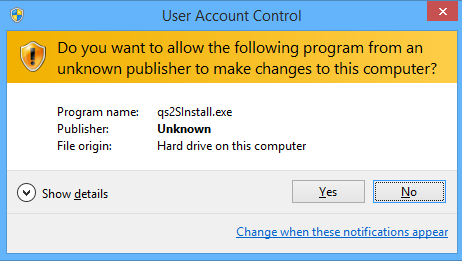
If so, click 'Yes' to continue.
One of the first things the installer does is to check whether your computer has the correct version of the Microsoft .NET Framework installed. If it doesn't, you'll be prompted to install it with this dialog:
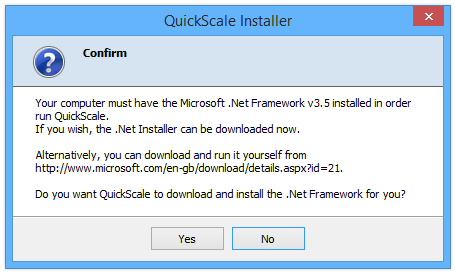
We strongly recommend that you allow the installation of the .NET Framework to proceed as QuickScale will not work properly without it.
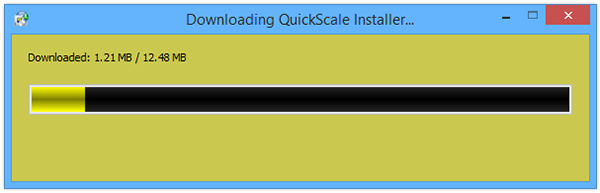
Assuming the correct .Net Framework version is installed, the QuickScale installer will now start to download all the installation files needed to complete the install:
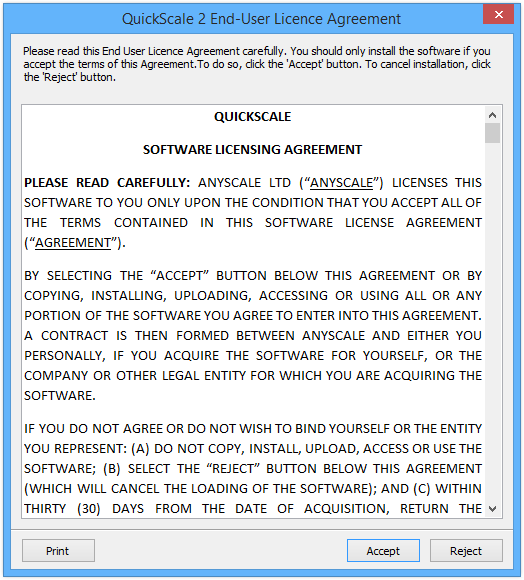
When the download is complete, you will be prompted to accept the QuickScale End-User License Agreement (EULA). By clicking the accept button you are agreeing to the terms and conditions of the standard QuickScale EULA.
To cancel the installation at this stage, just click the 'Reject' button. To continue, click 'Accept'.
All the QuickScale files will now be installed on your computer:
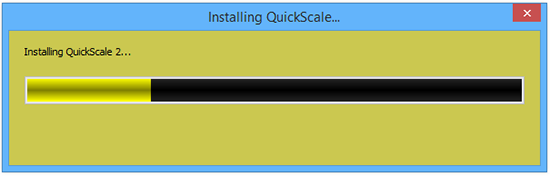
Installation is quite quick and, when the installation has successfully completed, you will be notified and given the option to start QuickScale:
