- Downloading QuickScale
- Installing QuickScale
- Installing the .NET Framework
- QuickScale Portable
- QuickScale Updates
- Opening a drawing
- Calibrating (Known scale)
- Calibrating (Unknown scale)
- Change paper size
- Taking Measurements
- The Pages and Dimensions Panes
- Printing
- Changing colours
- Calculate Pitched Roof Areas
- Add areas together
- Add room volumes together
- Calculate a room volume
- Categories
- Export dimensions to excel
- Annotations
- Counting items
- Shuffle information to suit your BoQ
- Switch between perimeter and area
- Find a measurement
- Move a measurement point
- Keyboard shortcuts
- Check for updates
- Red text in the Dimensions column
- Scrolling and panning
- Zoom with mouse wheel
- Perimeter incomplete
Activating QuickScale
Activate a Standard Edition License
You should have received an e-mail from Anyscale Ltd containing your license KeyCode. Make sure this e-mail is to hand.
If QuickScale is not already running on your computer, launch QuickScale. The Trial Reminder screen will appear:
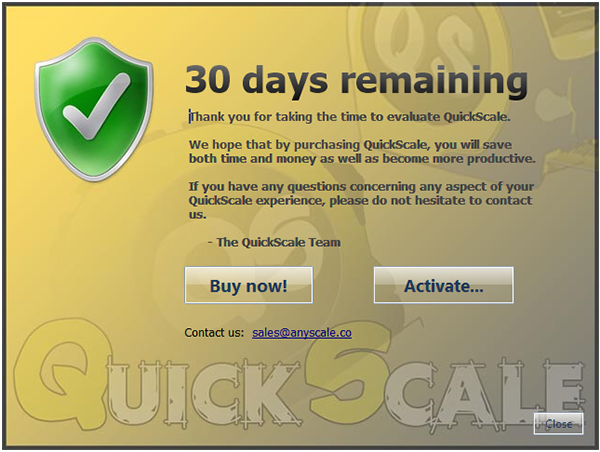
Click the 'Activate...' button.
If QuickScale is already running, click the 'About' button on the 'View' tab and then click the 'Activate' button at the bottom right-hand corner of the About dialog box.
The Activator dialog will appear:
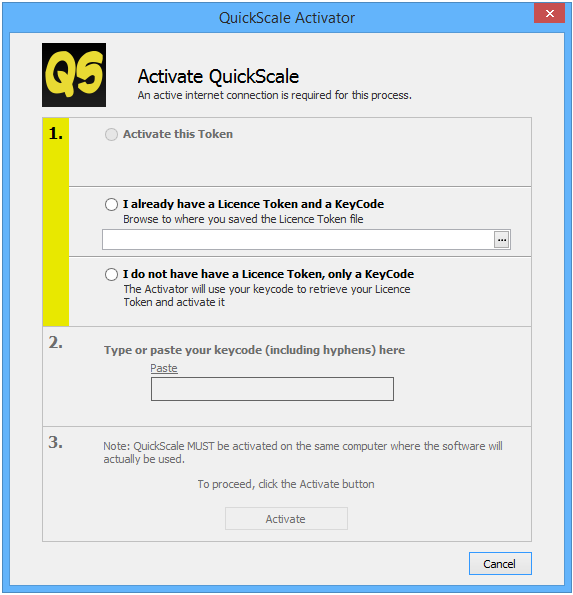
If this is the first time you have purchased a QuickScale license for this computer, check the I do not have a License Token, only a KeyCode option.
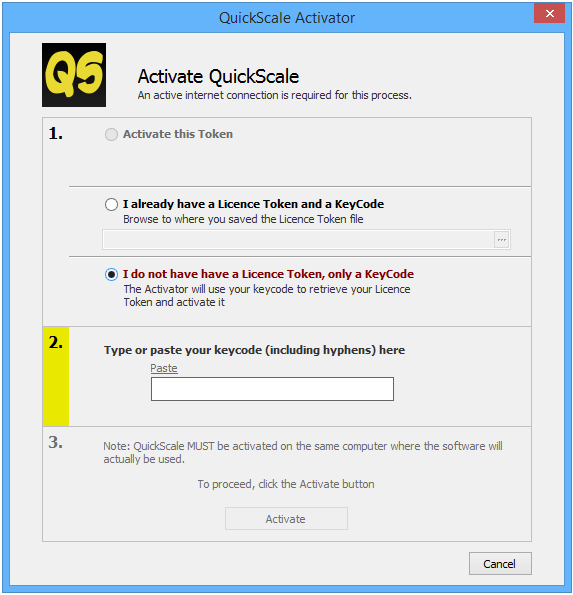
From the Anyscale e-mail, select and copy the KeyCode
The 'Paste' text on the Activator dialog is enabled as soon as you 'Copy' the KeyCode string.
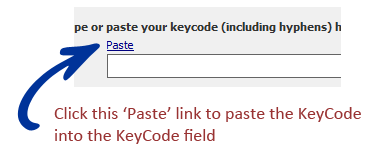
Assuming the KeyCode you pasted is valid, the dialog will indicate this with a green tick.
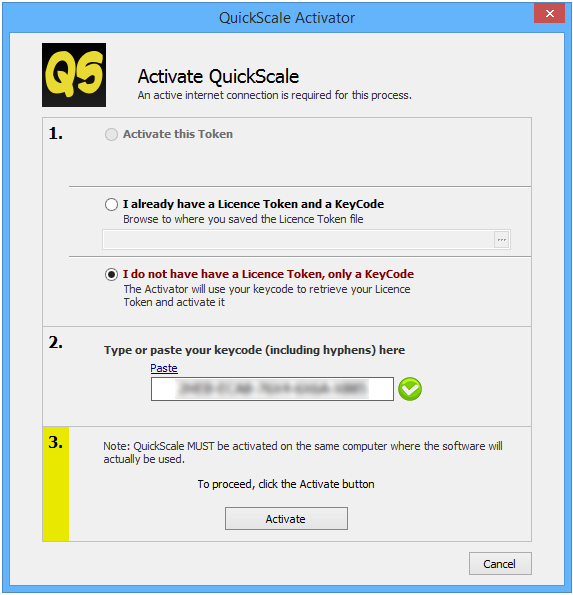
To complete the activation process, click the 'Activate' button.
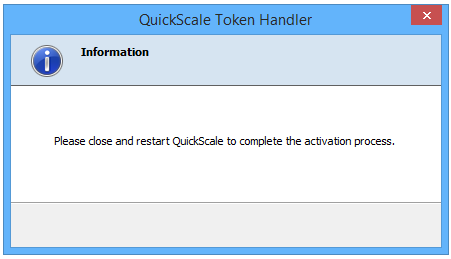
Assuming everything is OK with your KeyCode and license, you should be prompted to re-start QuickScale.